Download Facebook Videos for Free
Download Facebook videos in 1080p, 2K, 4K high quality on any device
FastDown - The highest quality Facebook video downloader
FastDown is a leading online tool for downloading high-quality Facebook videos quickly and easily. Our tool supports downloading Facebook videos in MP4 format or converting them to MP3 high-quality audio without installing any software. FastDown works perfectly on all web browsers, supporting video downloads to both mobile phones and computers with just a single click. Simply paste the Facebook video link into the input box on FastDown.app to start your high-speed download for free!
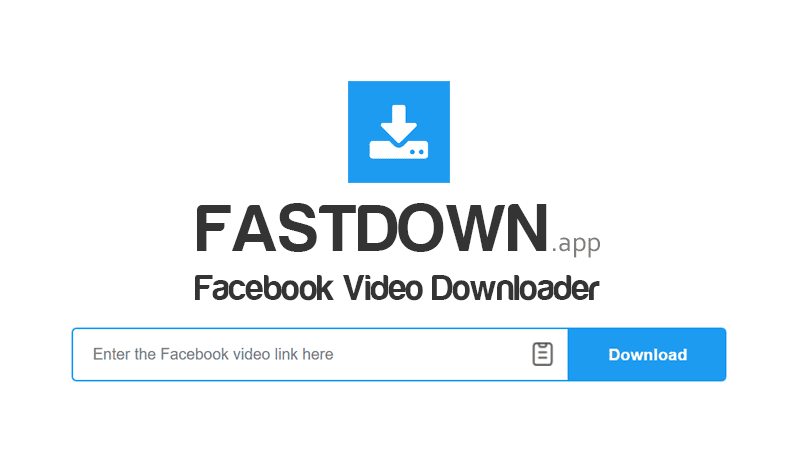
Guide to using FastDown for Facebook video downloads
- Step 1: Open your Facebook app or go to Facebook.com in any web browser.
- Step 2: Locate the specific video, tap the Share icon, and choose Copy Link.
- Step 3: Visit FastDown.app, insert the link into the toolbox, and click Download.
- Step 4: Pick the desired file resolution and click the Download MP4 button to save.
Why should you choose FastDown for Facebook video downloads?
- High-speed & Simple: Intuitive interface, download in seconds without registration or software installation.
- High Quality: Supports 1080p, 2K, and 4K resolutions, preserving the original video clarity.
- Convert to MP3: Extract high-quality audio from Facebook videos and save them as MP3 files easily.
- Super-fast Download Speed: With a global CDN server network placed around the world, we ensure your connection and download process are completed in just a few seconds.
- Supports all devices: Works smoothly on all platforms like Android, iOS, Windows, Mac, and any web browser.
- Free & Unlimited: All features on FastDown are free. You can download as many videos as you want without any restrictions.
In which cases should you use FastDown?
- ✅ Offline Viewing: Keep your favorite videos on your device and watch again anywhere without internet, preventing loss if the original post is deleted.
- ✅ Content Creation: Easily download high-quality videos for editing and re-sharing on platforms like TikTok or Instagram without watermarks.
- ✅ Personal Archive: Build a private collection of inspirational, funny, or tutorial videos that matter to you for long-term enjoyment.
- ✅ Research and Learning: Download webinars, lectures, or conference videos to take notes, study offline, and research in-depth details.
Copyright and Terms of Use
FastDown is an independent tool and has no affiliation whatsoever with Meta or Facebook. We provide a free service strictly for personal, non-commercial archiving purposes. All downloaded content belongs to its respective owners; commercial use without permission is prohibited. Users are solely responsible for ensuring copyright compliance and any legal implications arising from the use of our tool.
Note: FastDown is not a product of Facebook or Meta. If other tools fail to download your videos, try FastDown.app to download videos easily with the highest quality. Don't forget to share this tool with your friends. Thank you!